Control Mapping
Control mapping aligns controls across frameworks and standards so one control, and the evidence collected for it, satisfies every framework that shares the requirement.
What is Control Mapping?
Control mapping links a control in one compliance framework to its counterpart in another. Without mapping, each framework becomes its own silo: the same access review gets evidenced once for System and Organization Controls 2 (SOC 2) and again for ISO 27001, and requirements the frameworks share go unnoticed until an auditor asks about a gap. With mapped controls, you implement once, collect evidence once, and reuse both everywhere the requirement appears.
How to Map Controls
- Identify Controls: Start by identifying the controls that need to be mapped. This can include controls from different frameworks such as SOC 2, ISO 27001, National Institute of Standards and Technology (NIST), etc.
- Access Control Mapping: Navigate to the control mapping section in the Openlane Console
- Go to the Controls page.
- Select the control you want to map
- Go to Related Controls
- Create a Mapping
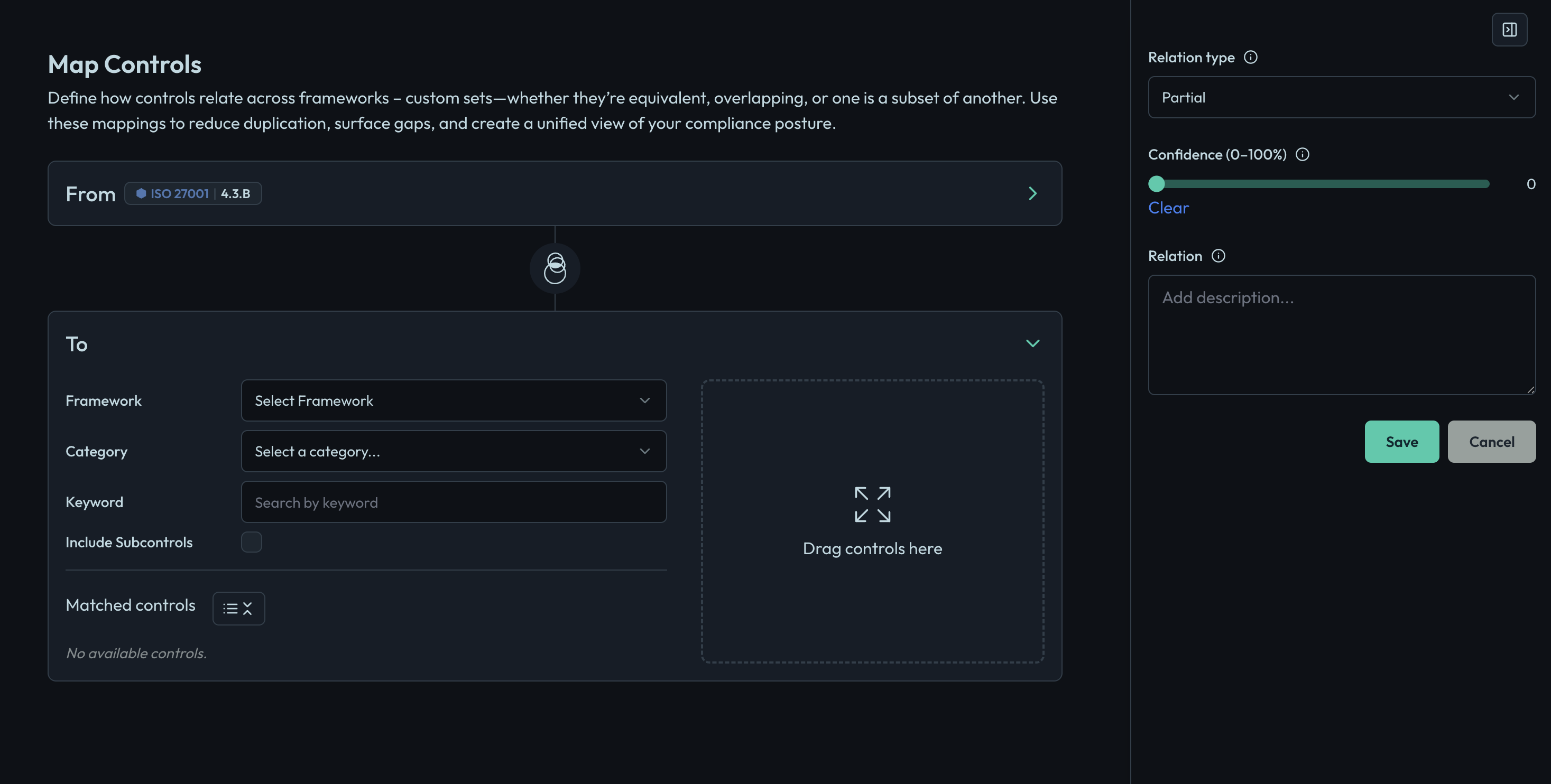
- Click on the "Map Control" button.
- Select the source control (the control you are mapping from).
- Select the target control (the control you are mapping to).
- Provide a description of the mapping to clarify the relationship between the controls.
- Review and Save: Review the mapping details and click "Save" to create the mapping.