Create Evidence
Submit evidence whenever a control needs proof that it operated: a completed access review, a training report, a configuration export. Each submission becomes a reviewable record linked to the controls it supports, which is what an auditor samples during the audit.
Steps to Create Evidence
-
Log in to the Openlane Console.
-
Navigate to Evidence
-
Click the Submit Evidence button.
-
Fill in the details. Three fields do the heavy lifting for audit readiness:
- Collection Procedure and Source are what let an auditor (or a teammate re-collecting next quarter) reproduce the evidence; write them for that reader
- Renewal Date is what turns evidence from a one-time upload into a maintained artifact; most evidence goes stale, so set it
- Associated Controls connect the artifact to what it proves; unlinked evidence helps nobody at audit time
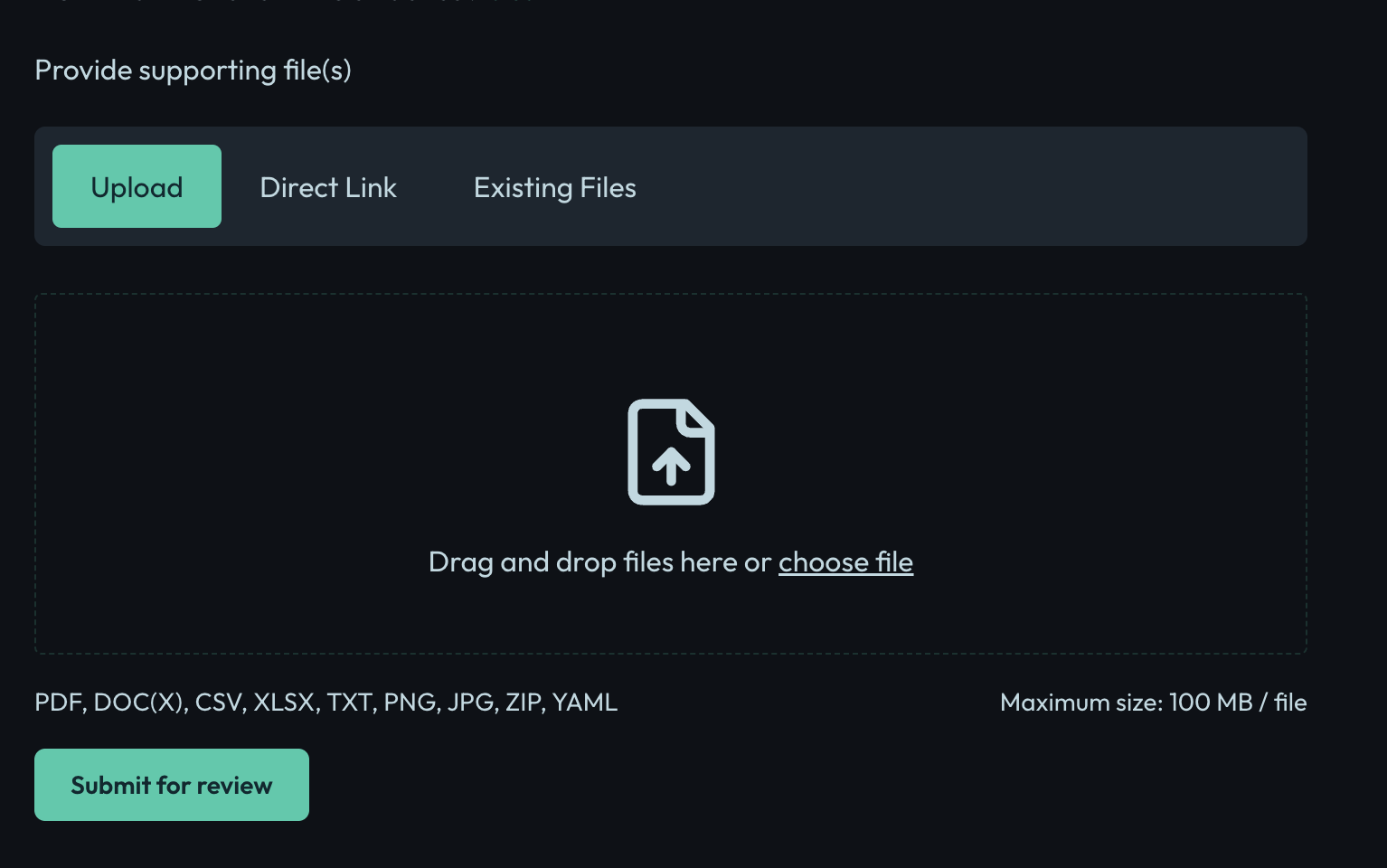
-
Click Submit for review to create the evidence record.
Next Steps
After creating evidence, you can link it to controls or compliance requirements as needed.
For more information, see the compliance management documentation.